Command History
The Command History card shows every Git command that Light Git Client executes under the hood. It's a great way to learn Git CLI commands or debug unexpected behavior.
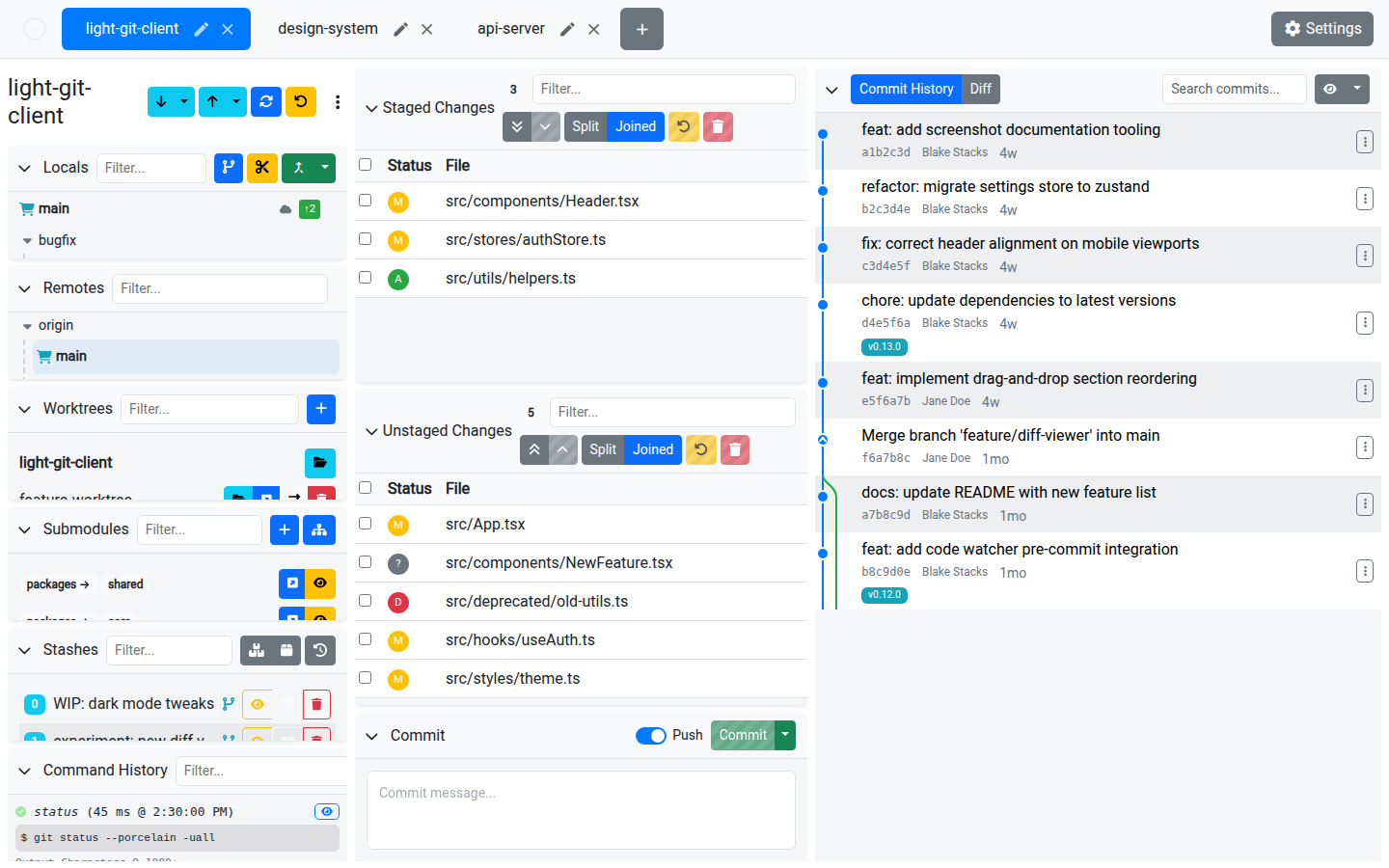
The Command List
Each entry in the command history shows:
- The Git command that was executed
- Success or error status indicator
- Duration — How long the command took to run
- Timestamp — When the command was executed
- Output preview — The first 1000 characters of stdout, displayed inline
Viewing Command Details
Click View on any command to open a modal with the full details:
- Complete command string
- Full stdout output
- Full stderr output (if any)
- Option to copy the command or its output
Filtering
Use the filter input to search commands with fuzzy matching. This is useful for finding specific operations like merge, rebase, or push.
Pagination
Commands load incrementally. Scroll down or click "Load More" to see older commands.
Real-Time Updates
The command history updates in real time as the app executes Git operations. New commands appear at the top of the list.
Tips
- Use command history to learn the Git CLI equivalents of GUI actions — every button click translates to one or more Git commands
- When something goes wrong, check the command history to see the exact command and its error output
- Copy commands from the history to use them in your own scripts or terminal workflows