Diff Viewer
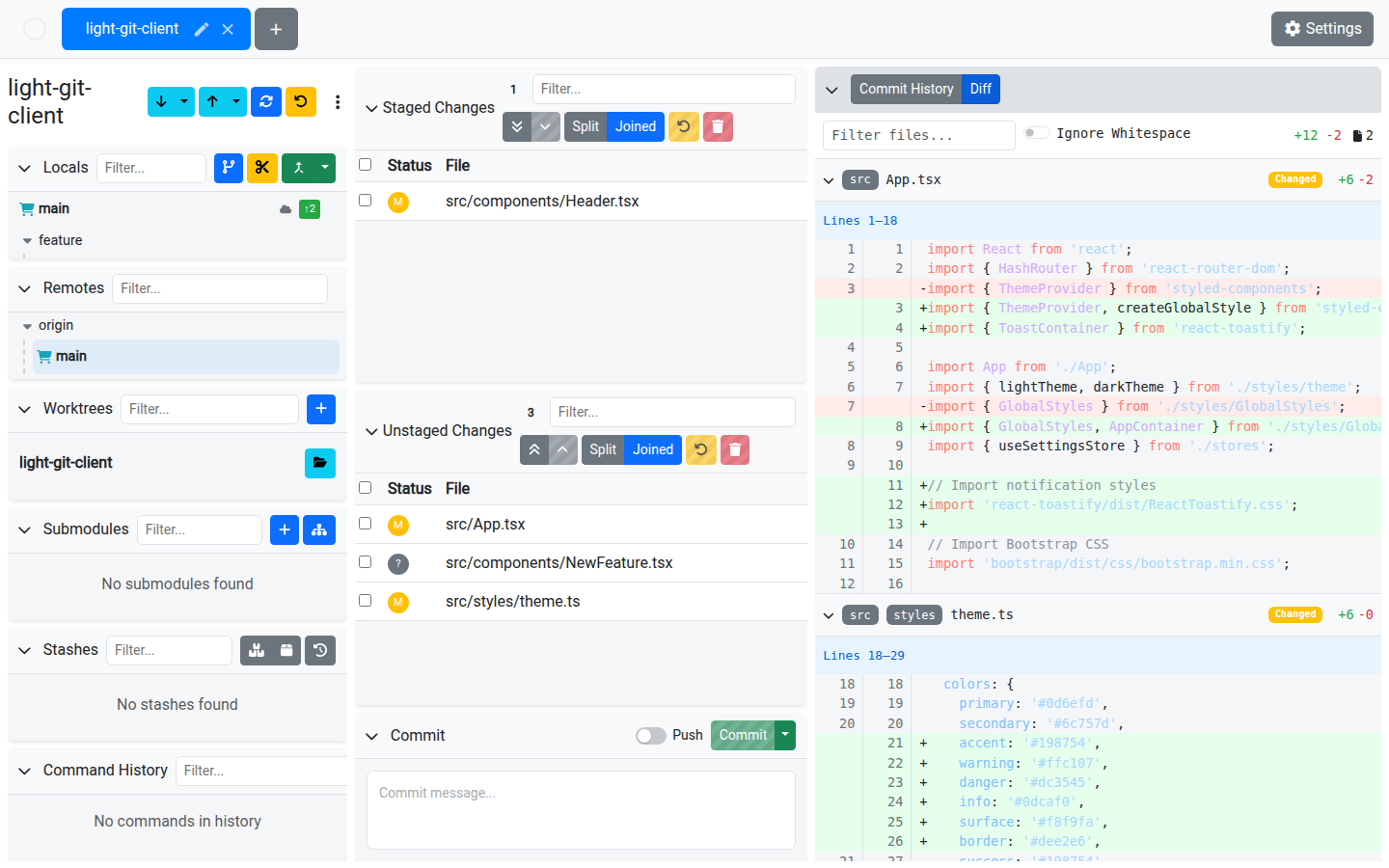
The Diff Viewer provides a rich, syntax-highlighted view of your changes with inline editing capabilities.
Features
Syntax Highlighting
Diffs are rendered with full syntax highlighting powered by highlight.js, supporting a wide range of languages. The language is automatically detected from the file extension.
Whitespace Toggle
Use the Ignore Whitespace switch to toggle whether whitespace-only changes are shown. This is useful when reviewing changes in files where indentation has changed but the logic hasn't.
Hunk Editing
For unstaged diffs, you can edit hunks directly in the viewer:
- Click the edit icon on a hunk to enter edit mode
- Make your changes inline
- Save to apply the edited hunk back to the file
This lets you fix small issues without leaving the app. Hunk editing is not available for committed diffs (read-only mode).
Hunk Undo
Revert a specific hunk back to its original state without affecting the rest of the file.
Navigation
| Feature | Description |
|---|---|
| File filter | Filter the diff by filename to focus on specific files. |
| File expand/collapse | Click a file header to expand or collapse its diff. |
| Show All | When a file diff is truncated (over 500 lines), click "Show All" to load the complete diff. |
| Parent navigation | For merge commits, click parent commit hashes to view diffs against specific parents. |
Diff Stats
A summary bar shows:
- Total additions and deletions
- File count broken down by change type (modified, added, deleted, renamed)
Staged vs. Unstaged
The diff viewer separates staged and unstaged changes into distinct sections, so you can clearly see what's going into your next commit versus what's still in progress.
Viewing Commit Diffs
Click any commit in the Commit History to view its diff. Commit diffs are read-only — hunk editing is not available.
Tips
- Use hunk editing for quick fixes like removing debug statements or fixing typos
- The whitespace toggle is especially useful when reviewing formatting changes
- Filter by filename when reviewing large changesets to focus on what matters