Prune Branches
Over time, repositories accumulate stale branches that are no longer needed. The Prune Branches dialog helps you clean them up in bulk.
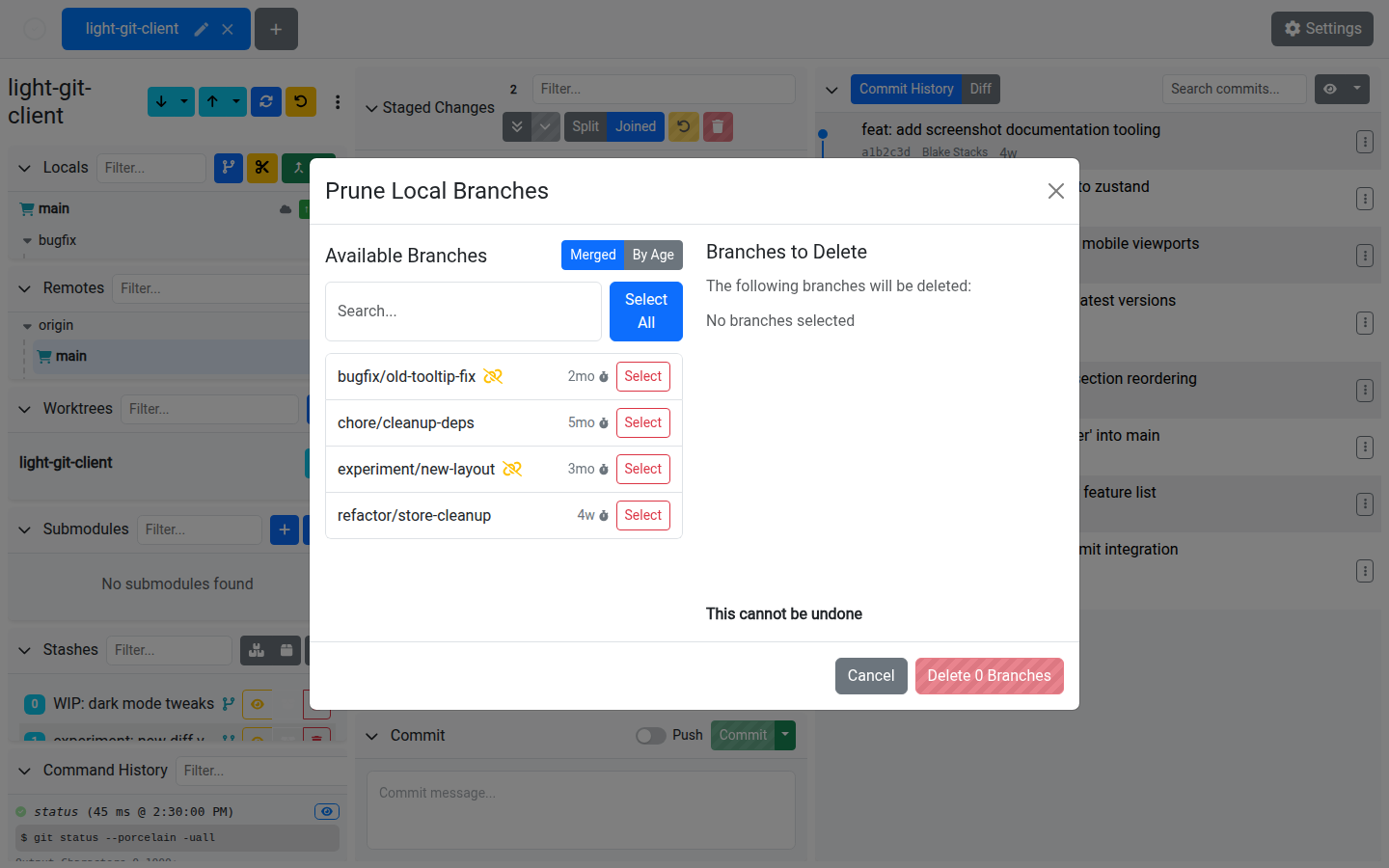
Pruning Modes
By Merged Status
Find branches whose remote tracking branch is gone (deleted from the remote):
- Shows branches with no tracking or a deleted remote counterpart
- Automatically excludes protected branches: the current branch,
main, andmaster - The "tracking gone" indicator helps you identify branches that were merged upstream and then deleted
By Age
Find branches based on how old their last commit is:
- Set a threshold in days, hours, or minutes
- Any branch whose last commit is older than the threshold appears in the list
- Useful for cleaning up abandoned feature branches
Using the Dialog
- Open the Prune Branches dialog from the branch panel toolbar
- Choose your pruning mode (merged status or age)
- Use the search input to filter the branch list
- Select All to mark all listed branches, or select individual ones
- Review the "Branches to delete" summary
- Confirm deletion
DANGER
Branch deletion cannot be undone. Make sure you've merged or backed up any work on branches before pruning them.
Tips
- Run this periodically to keep your branch list clean and manageable
- The merged-status mode is the safest — it only shows branches whose remotes are already gone
- Age-based pruning is useful for repositories with many short-lived feature branches
- Always review the list before confirming — the search filter helps you spot branches you want to keep