Submodules
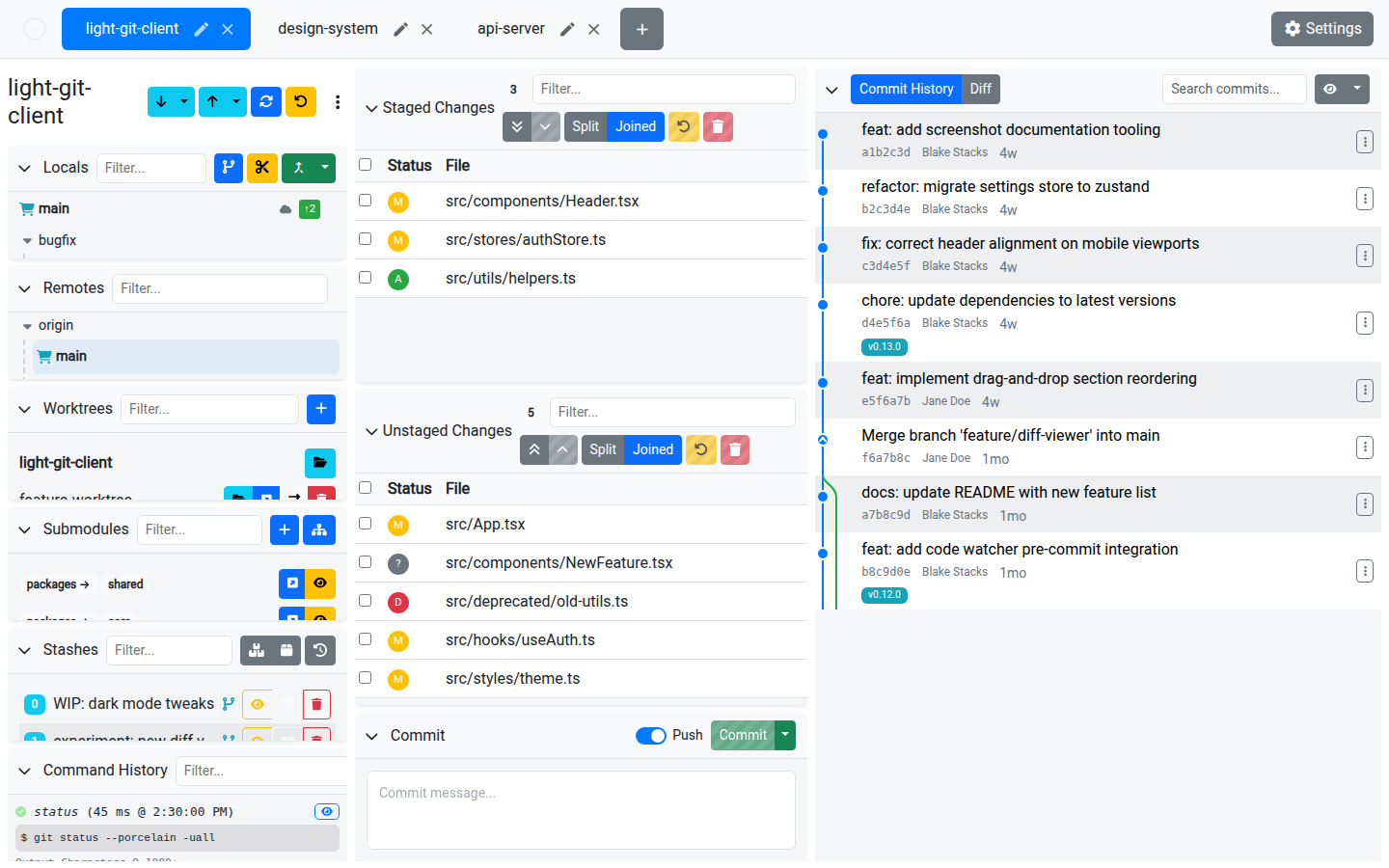
Light Git Client supports Git submodules, letting you manage nested repositories directly from the UI.
What Are Submodules?
A Git submodule is a reference to another Git repository embedded within your main repository at a specific commit. Submodules are commonly used for shared libraries, dependencies, or related projects.
The Submodules Card
The Submodules card lists all submodules in the current repository, displaying their paths as breadcrumb-style badges for easy identification.
Use the filter input to search submodules by path.
Operations
| Action | Description |
|---|---|
| Add Submodule | Add a new submodule by specifying a remote URL and a local path. |
| Update Submodules | Recursively update all submodules to their tracked commits. |
| Open in New Tab | Open a submodule as its own repository in a new tab. |
| Quick View | Same as "Open in New Tab" — quickly jump into a submodule's contents. |
Adding a Submodule
The Add Submodule dialog requires:
- URL — The remote repository URL for the submodule
- Path — The local directory where the submodule will be cloned
Tips
- After cloning a repository with submodules, use Update Submodules to initialize and fetch their contents
- Opening a submodule in a new tab gives you full access to its branches, history, and changes — just like any other repository
- Submodule changes appear in the parent repository's staging area when the submodule commit reference changes