Stashes
Stashes let you temporarily save uncommitted changes and restore them later. Light Git Client provides full stash management including the ability to recover deleted stashes.
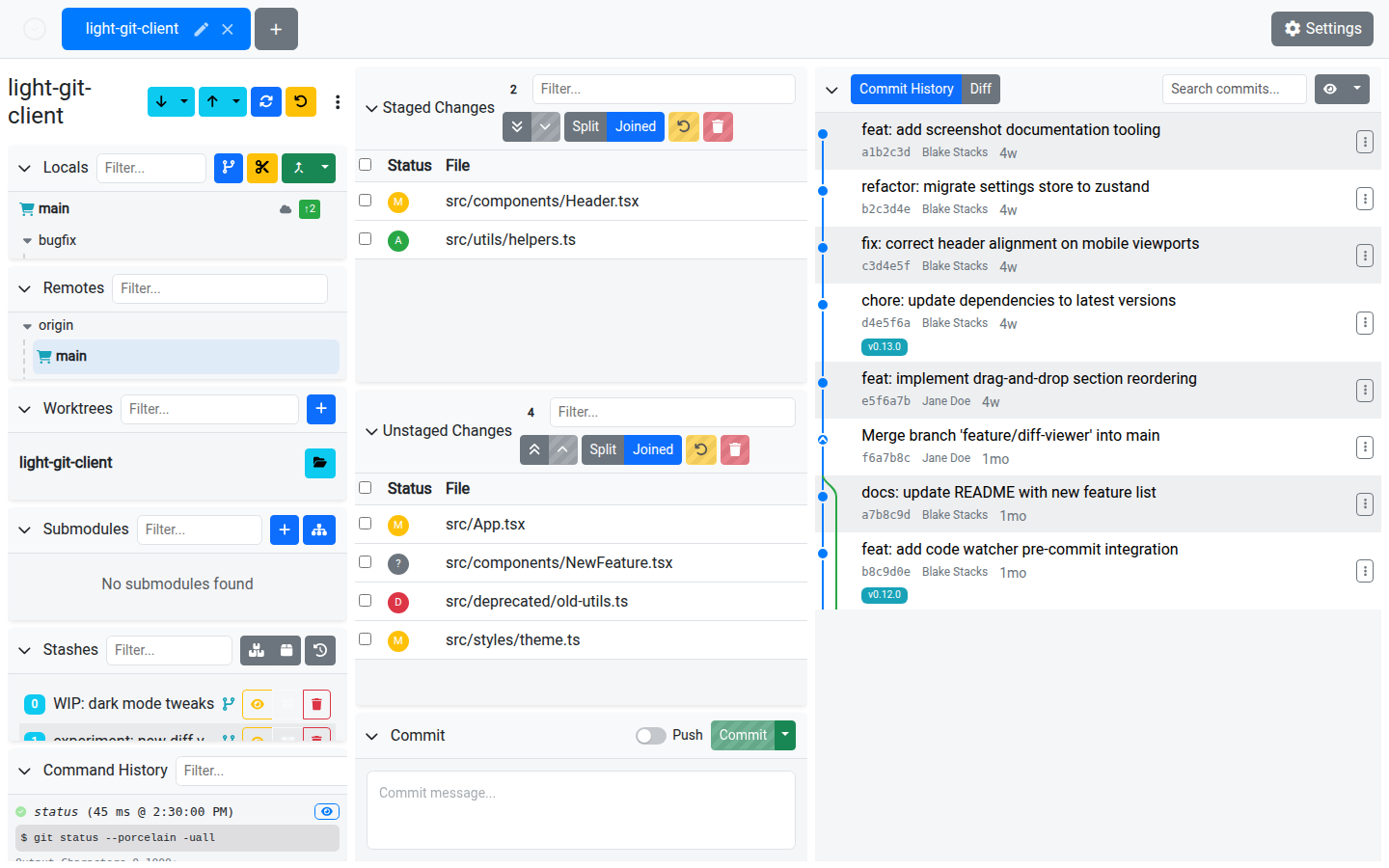
Creating Stashes
| Action | Description |
|---|---|
| Stash All | Stash all staged and unstaged changes. |
| Stash Unstaged Only | Stash only unstaged changes, keeping staged files intact. |
| Stash with Name | Provide a custom name for the stash via an input dialog. |
Managing Stashes
Each stash in the list shows its index, message, and the branch it was created on.
| Action | Description |
|---|---|
| Apply | Apply a stash to the working directory without removing it from the stash list. |
| Delete | Remove a stash from the list permanently. |
| View | Open the stash contents in the Diff Viewer. |
Filtering
Use the filter input to search stashes by message or branch name.
Restoring Deleted Stashes
Accidentally deleted a stash? Light Git Client can help:
- Click Restore Deleted Stash to open the restore dialog
- The dialog searches the Git reflog for orphaned stash entries
- Select the stash you want to recover
- The stash is restored as a new branch named
restored-stash/{hash}
TIP
Stash recovery works by finding dangling commit objects in the reflog. This only works if the stash hasn't been garbage-collected by Git yet.
Tips
- Use Stash Unstaged Only when you've carefully staged some changes and want to test them in isolation
- Name your stashes for easy identification, especially when you accumulate several
- The restore feature is a safety net — but don't rely on it for long-term storage. Commit important work.