Commit History
The Commit History card displays a visual graph of your repository's commit history, with full support for branch visualization and commit operations.
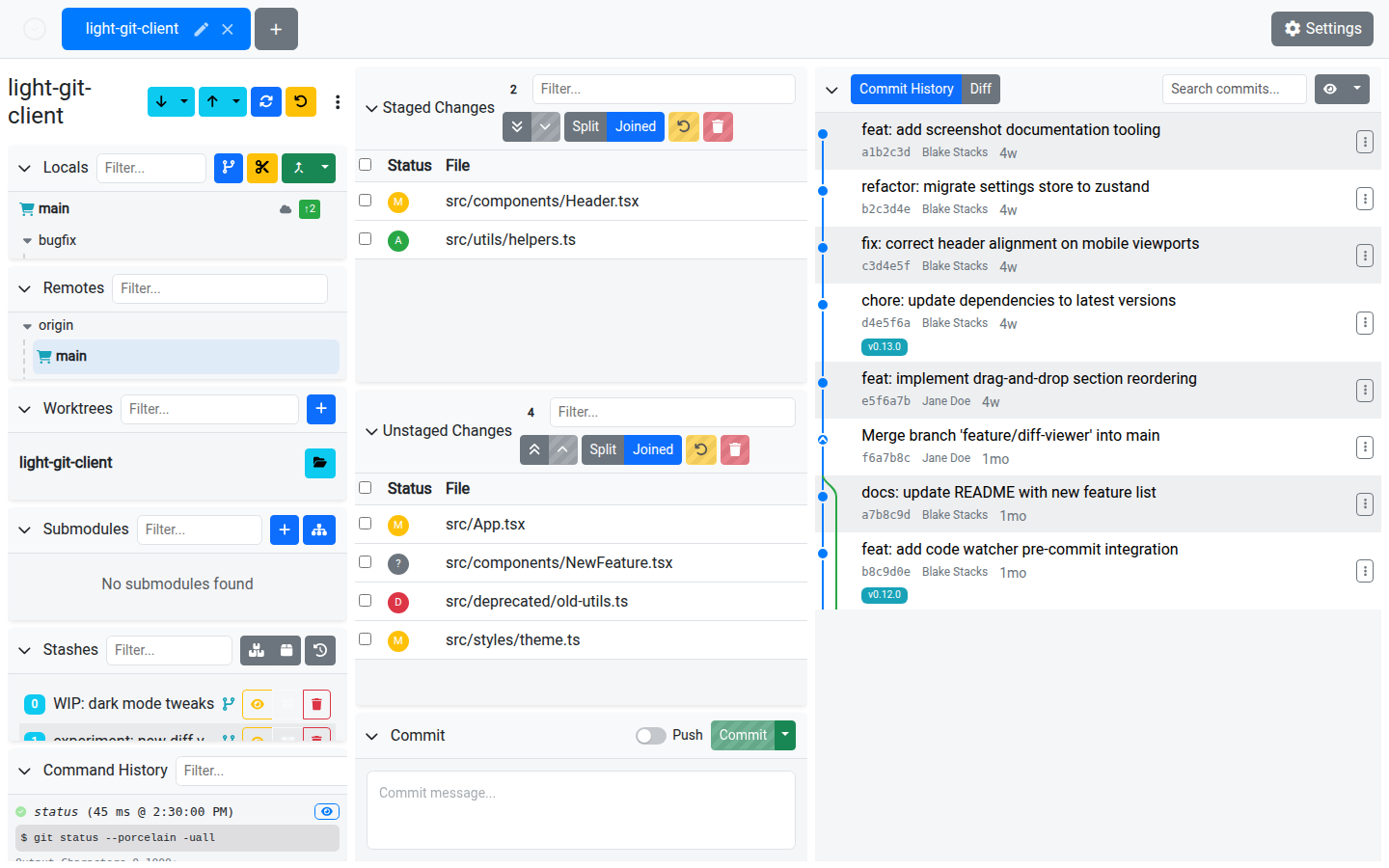
The Commit Graph
The graph renders SVG curves for branch lines with:
- Color-coded branches — Each branch gets a distinct color
- Merge commits — Shown with a double ring indicator
- Branch labels — Local branches, remote branches, tags, and HEAD are all labeled inline
- Expandable messages — Click a commit to expand its full message
Filtering
| Filter | Description |
|---|---|
| Branch filter | Select which branches (local and remote) to include in the graph. |
| Current branch only | Toggle to show only commits reachable from the current branch. |
| Search | Search commits by message, hash, or author. |
Commit Operations
Right-click a commit or use the action menu to access these operations:
| Action | Description |
|---|---|
| View Diff | Open the Diff Viewer for this commit's changes. |
| Cherry-pick | Apply this commit's changes onto the current branch. |
| Checkout | Check out this commit in detached HEAD mode. |
| Revert | Create a new commit that undoes this commit's changes. |
| Create Branch | Create a new branch starting from this commit. |
| Copy Hash | Copy the commit's SHA hash to the clipboard. |
| Reset | Reset the current branch to this commit. Options: Soft, Mixed, or Hard. |
Reset Modes
| Mode | Behavior |
|---|---|
| Soft | Moves the branch pointer but keeps all changes staged. |
| Mixed | Moves the branch pointer and unstages changes, but keeps them in the working directory. |
| Hard | Moves the branch pointer and discards all changes. This is destructive. |
Infinite Scroll
The history loads incrementally. Scroll to the bottom to load more commits automatically.
Tips
- Use the branch filter to focus on a specific feature branch and its relationship to the main branch
- Cherry-pick is great for applying a single fix from one branch to another without merging
- Creating a branch from a commit in the graph is a quick way to start working from a specific point in history